Features
EndPoint Security for Business Networks with the following features:
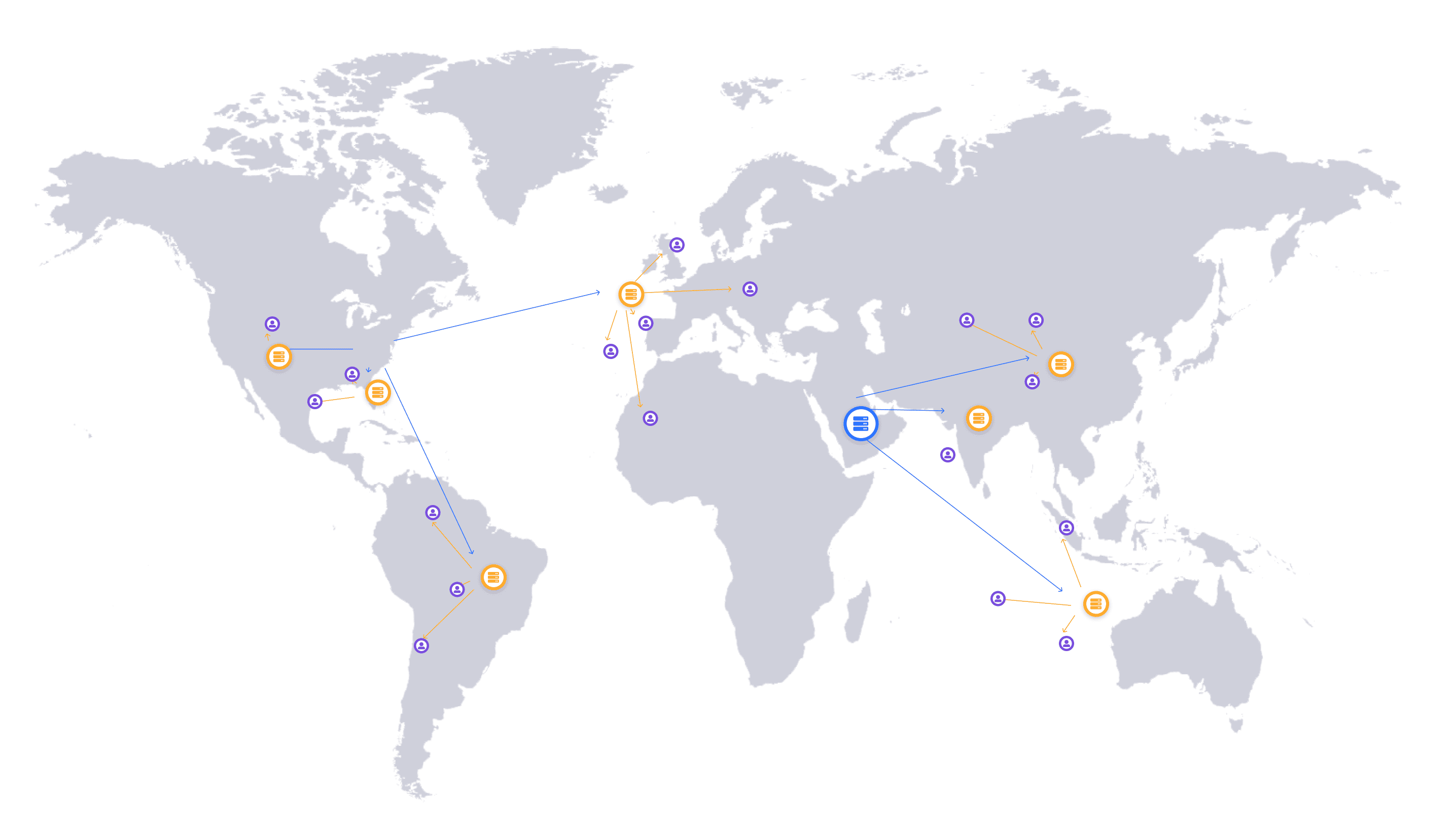
Multi-Location and Multi-Device Manager Console
Easily view & manage Security of all PCs at all office locations.

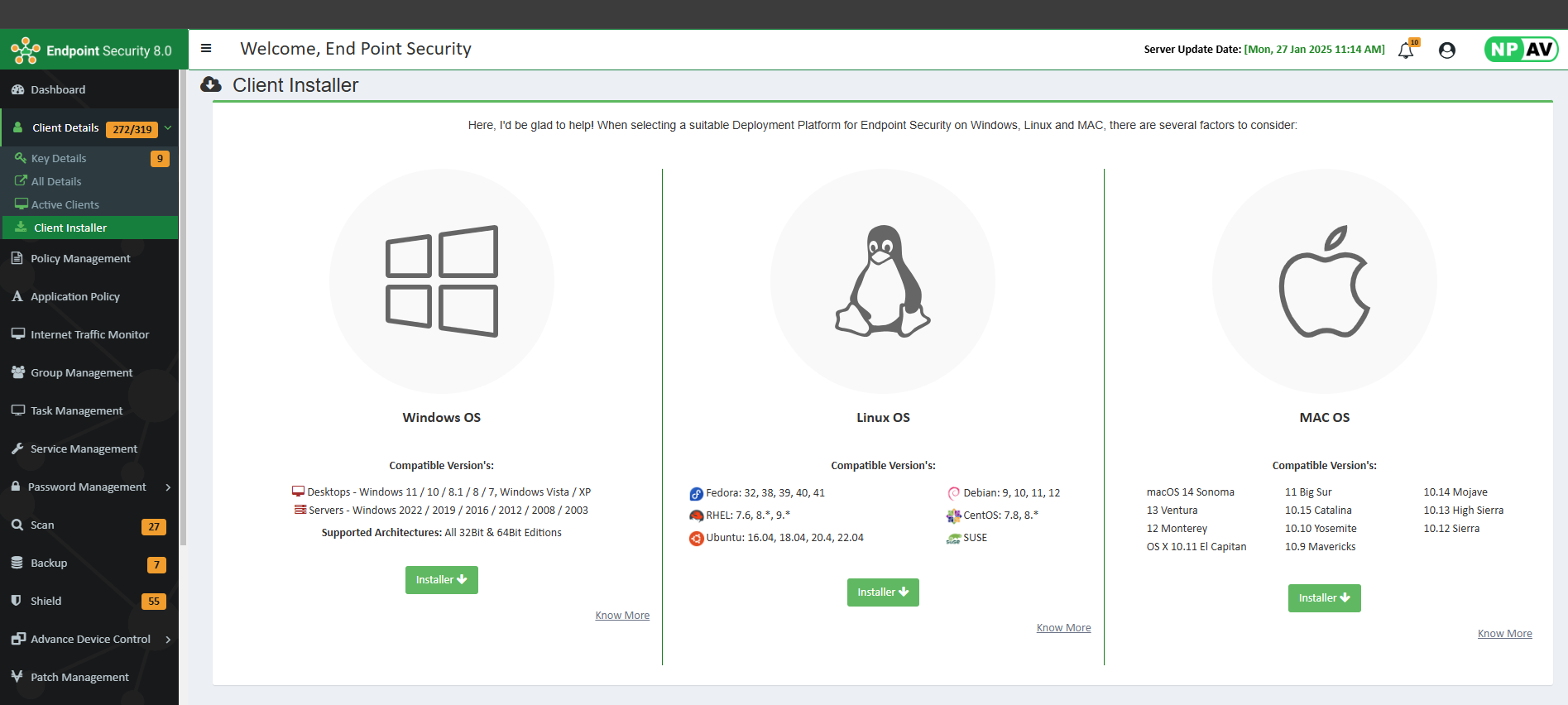
Single Click Installation
One click installation on each Network PC.
Compatible Network Types
Supports and works smoothly with all network types, including Domain Controllers and Workgroups.
Organize PCs in Groups
Group PCs as per department, floor, lab or location.
Launch Scanning and Updates from Server
Start the scanning and updates on selected clients.
Easy Application Management
View and Manage running processes. Transfer and run applications and patches on remote PCs
Network Updates without Internet
Even without internet access, PCs can automatically discover the closest local update server and stay up to date.
Restrict USB
Gives you flexible control over USB removable media—allow it, block it, or restrict it to read-only mode.
Data Backup
Helps you safely manage client data backups from the server, protecting your data from loss, corruption, and ransomware attacks.
Manage Security Settings
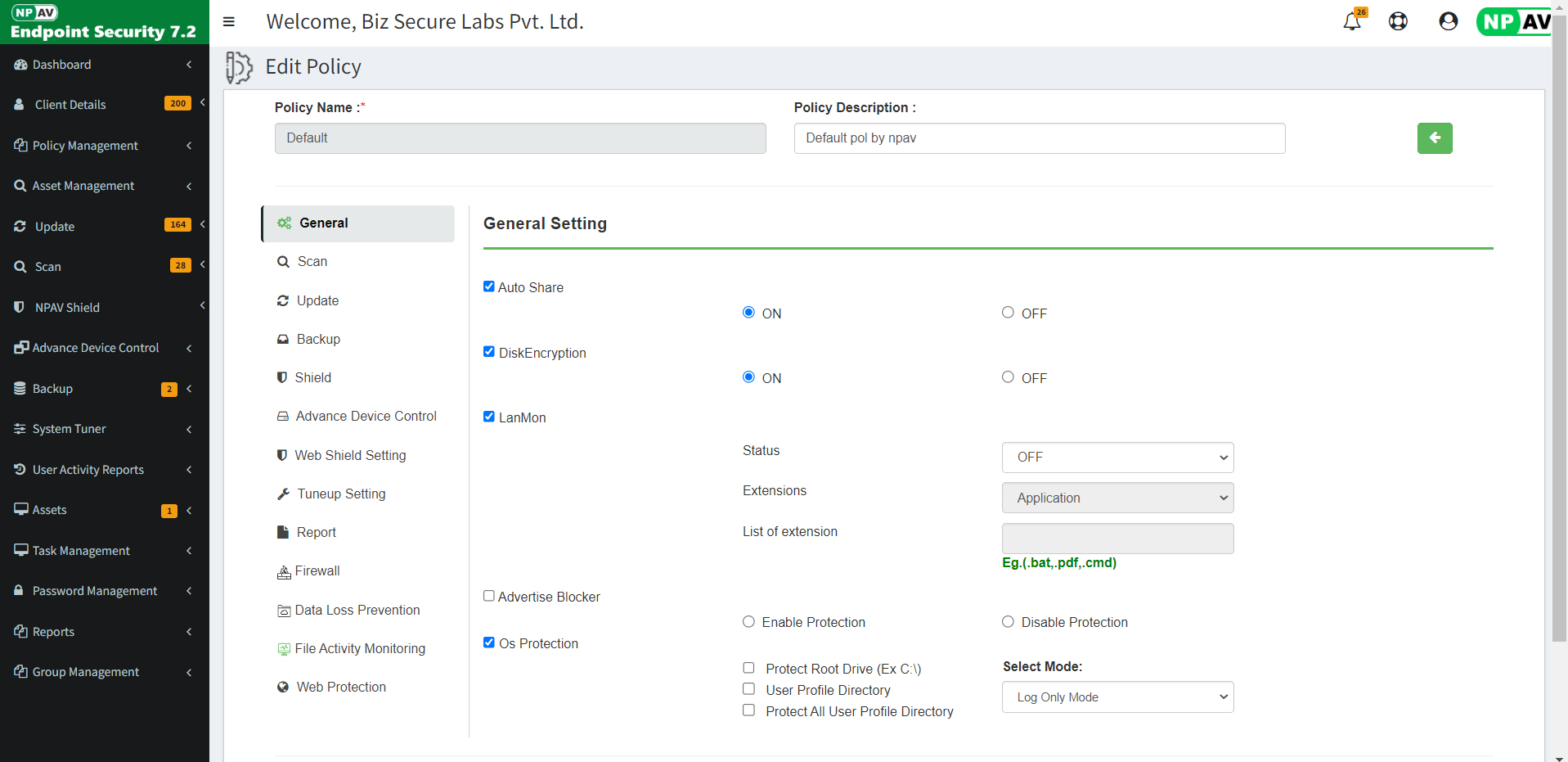
Remotely manage Antivirus Settings & Policies on Single PC or Group.
Chat and Remote Desktop Viewer
Allows system administrators to instantly view client desktops & communicate via integrated chat for seamless remote support.
Easy Top-Up Key
Extend the validity of local PCs or roaming laptops effortlessly with a simple top up key.

Session activity monitor
Track and record session activities—including logins, logouts, remote desktop usage, & system start/shutdown—through a single setting in the EPS.

File share activity monitor
Deep insepect & Monitors file sharing activities. Captures details such as usernames, file names, & client IP addresses.

Advanced device control
Easily restrict access to mobile, portable, & external devices—including WPD, MTP, PTP, and CD/DVD drives. Permits only whitelisted devices within the network.
Offline Updates - Weekly
Downloads weekly server & client updates from the EPS website. Updates server & clients automatically over the LAN—without requiring internet access. Ideal for secure environments such as government or defense organizations.
Push Installer (Remote Install)
Scans the network to identify protected and unprotected PCs. Remotely installs to the client systems streamlining management across large network.
Totally Offline Installation & activation of Server and all Clients
Installs and activates the server & all client systems entirely offline. Doesnot require any internet connectivity..
Remote Data Wiper
Securely erase data from selected folders by repeatedly overwriting files with advanced shredding algorithms (up to 7 passes). Ensuring deleted information cannot be recovered through recovery tools or forensic methods.
Disk Encryption
Protects sensitive data with Disk Encryption, offering file, folder, volume, and full disk encryption. Even if a drive is lost, stolen, or connected to another computer, its encrypted state remains intact. Accessible only to authorized users with the correct password.

Mobile Device Management for Android
Secures & manages Android devices—including mobiles, tablets, and panels—with Mobile Device Management. Enforce security policies, control applications, track device locations, and remotely wipe data to prevent unauthorized access. All through a centralized & user friendly console.
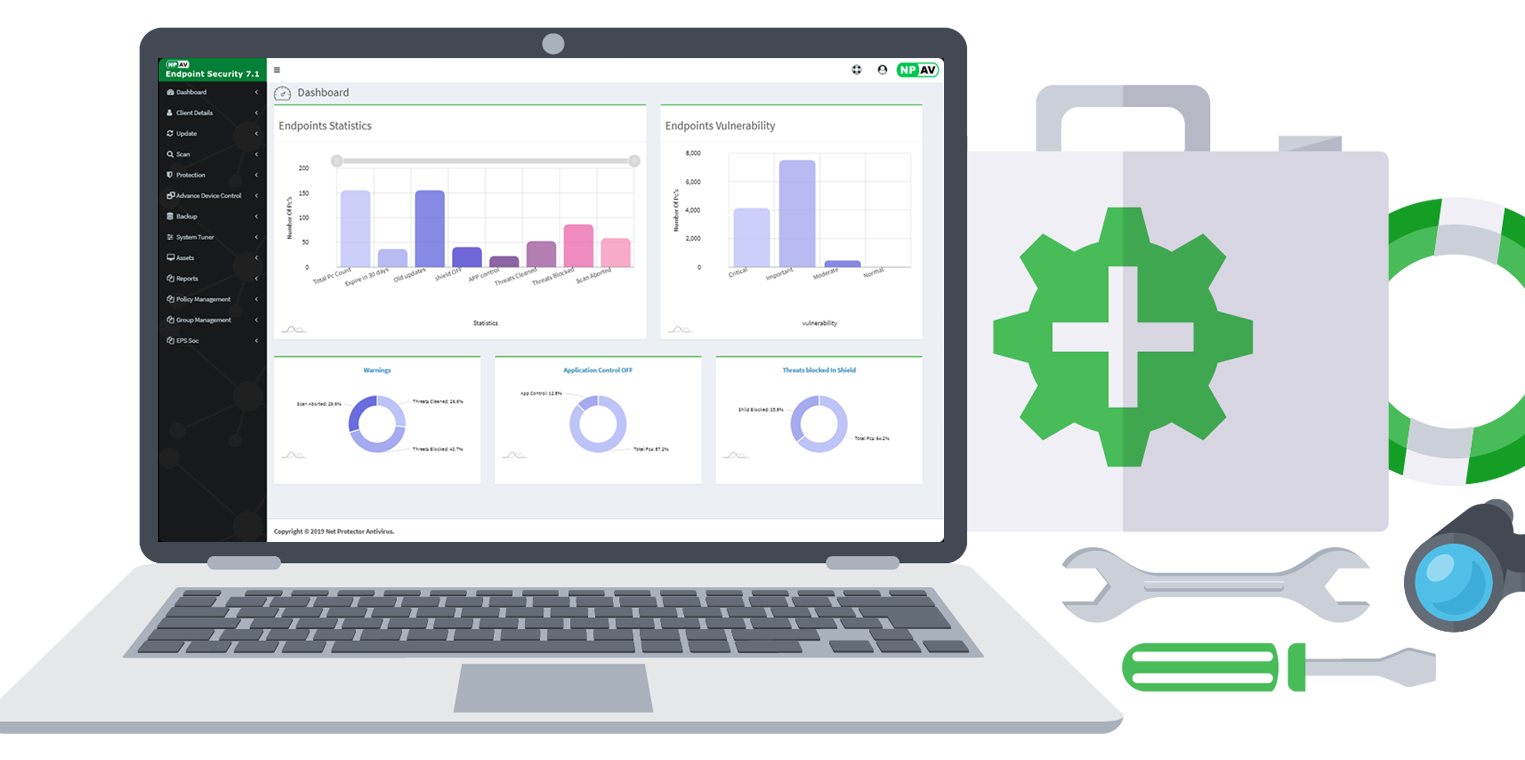
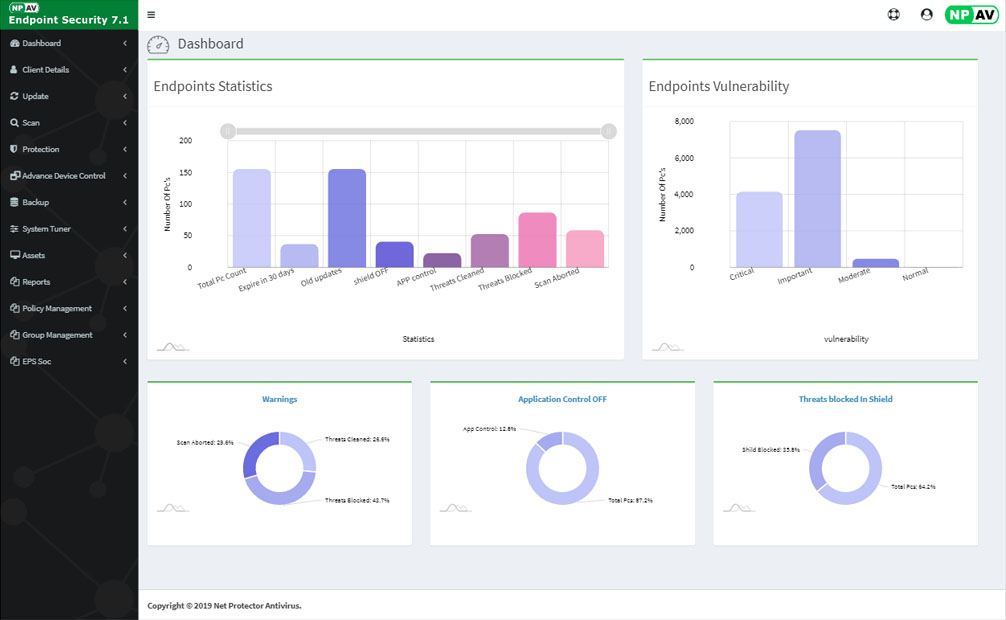
Real-time Graphical Dashboard
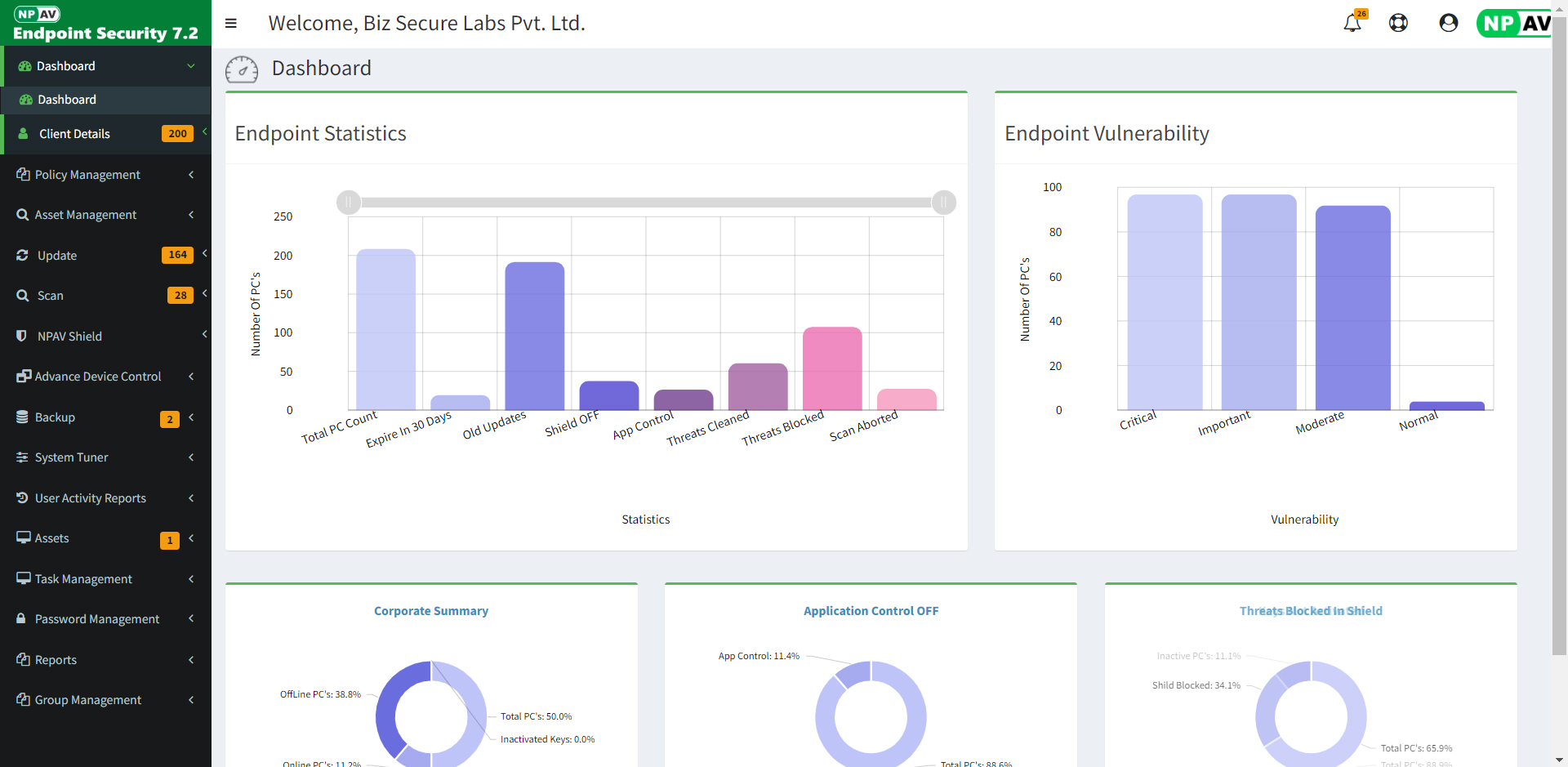
Since visuals communicate more effectively than words, we’ve integrated rich, intuitive graphics throughout our product. It provides real-time endpoint statistics, security health status, endpoint vulnerabilities, client statistics, and update and threat information—presented in advanced, easy-to-understand graphical formats.
User-friendly Interface
Data backup
Manages client data backup from the server. Protects the client's data from all kinds of ransomware attacks. The backup is secured & will remain to be corruption free. Monitoring & managing functionalities will be enabled for the admin.
Cloud Based EPS
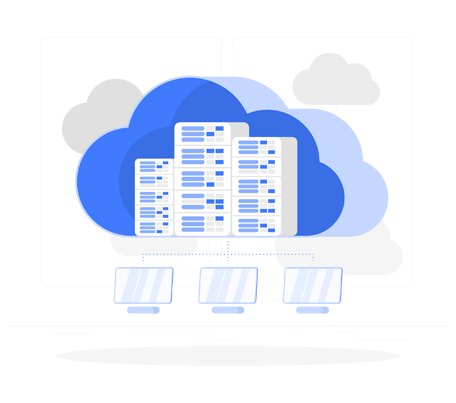
Cloud-enabled platform dramatically enhances accessibility, enabling administrators to securely manage the console remotely from any "Internet" capitalization device, including PCs, smartphones, & tablets.
Password Management
Provides secure, automated handling of local administrative passwords across endpoints. Administrators can remotely set or update passwords with one-click efficiency, while a comprehensive log of password changes is maintained in the secure vault.


Printer Activity Monitor
EPS Console provides comprehensive print activity monitoring, capturing & logging all print jobs executed by endpoints. Detailed CSV reports offer complete visibility into printing behavior across local & network printers.
File Sharing & Session Monitoring
The Endpoint Security Console includes a comprehensive File Sharing & Activity Monitoring feature that effectively tracks & logs all relevant endpoint actions. The deep-inspection file monitoring system records access to shared files, capturing details such as usernames, file names, & client IP addresses.
Session monitoring provides detailed logs of user login & logout events, remote desktop sessions, & system startup & shutdown activities, enabling administrators to monitor endpoint behavior from remote locations.


IT Ticket System
Our IT ticketing system streamlines support for businesses of any size. Users can quickly submit computer-related issues & track their ticket status remotely. System administrators gain organized visibility into assigned tasks-whether hardware, software, or other technical concerns. A detailed date-wise ticket history, including resolutions, ensures complete accountability & easy reference.
Product Edition & Feature Comparison
| Features | SME | Business | Total | Enterprise | EDR |
| Antivirus & Anti-Malware | |||||
| Anti-Ransomware Shield | |||||
| Anti-phishing | |||||
| Email Protection-Spam Protection | |||||
| Firewall Protection | |||||
| IDS/IPS | |||||
| Instant Messaging Protection | |||||
| OS Vulnerability Scanner | |||||
| Roaming Platform | |||||
| Artificial Intelligence | |||||
| Asset Management - Hardware & software Change Report |
- | ||||
| Email/SMS Notification | - | ||||
| Web & Browsing Protection | - | ||||
| LAN Monitor | - | ||||
| Advertise Blocker | - | ||||
| Advanced Device Control | - | ||||
| SIEM Integration | - | ||||
| Data Backup | - | ||||
| Application Control - Block List & Safe List | - | - | |||
| System Tunner | - | - | |||
| Patch Management | - | - | |||
| File Activity Monitor | - | - | |||
| Session Activity Monitor | - | - | |||
| Web Filtering & category Control | - | - | |||
| Password Management | - | - | |||
| Traffic Monitor | - | - | - | ||
| Printer Activity Monitor | - | - | - | ||
| Data Loss Prevention (DLP) | - | - | - | ||
| YouTube Access Manager | - | - | - | ||
| Google Login Management | - | - | - | ||
| Live Chat and Remote Desktop Viewer | - | - | - | ||
| Disk Encryption | - | - | - | ||
| IT Ticket system | - | - | - | ||
| Endpoint Fast QueryX | - | - | - | - | |
| Realtime IOC Hash and URL Blocking | - | - | - | - | |
| Endpoint Threat Scan | - | - | - | - | |
| Pre-Attack Surface Reduction | - | - | - | - | |
| Network Service & Process Management | - | - | - | - |
Antivirus For Linux
Net Protector Antivirus for Linux provides robust security to shield your
Linux environment from malware, ensuring smooth & secure operation.
With advanced features like real-time scanning, web security, & device
control, it’s the ultimate solution for safeguarding Linux systems in any
setup, be it personal or enterprise.
It displays activity statistics & provides intelligent network updates
without internet.
Showcase
Some Screenshots of EPS Intranet